

OCEAView® Web Based Monitoring System
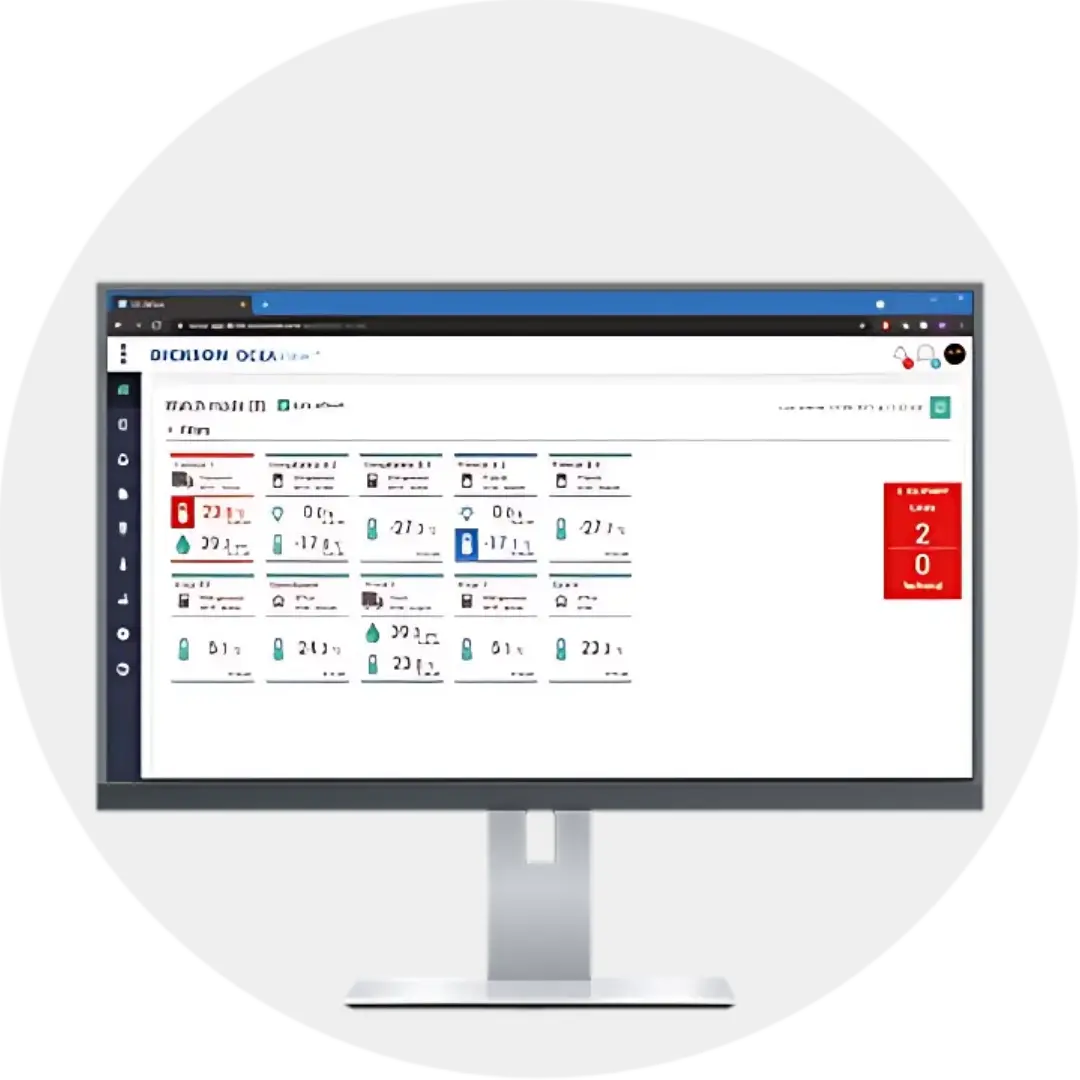
OCEAviewTM is 21cfr web based monitoring system and mobile app
for data viewing, real-time alarm acknowledgement
and complete audit trail from LoRaWAN-connected wireless data loggers.
Web Based Monitoring System: Real Time Monitoring For Enhanced Visibility and Traceability
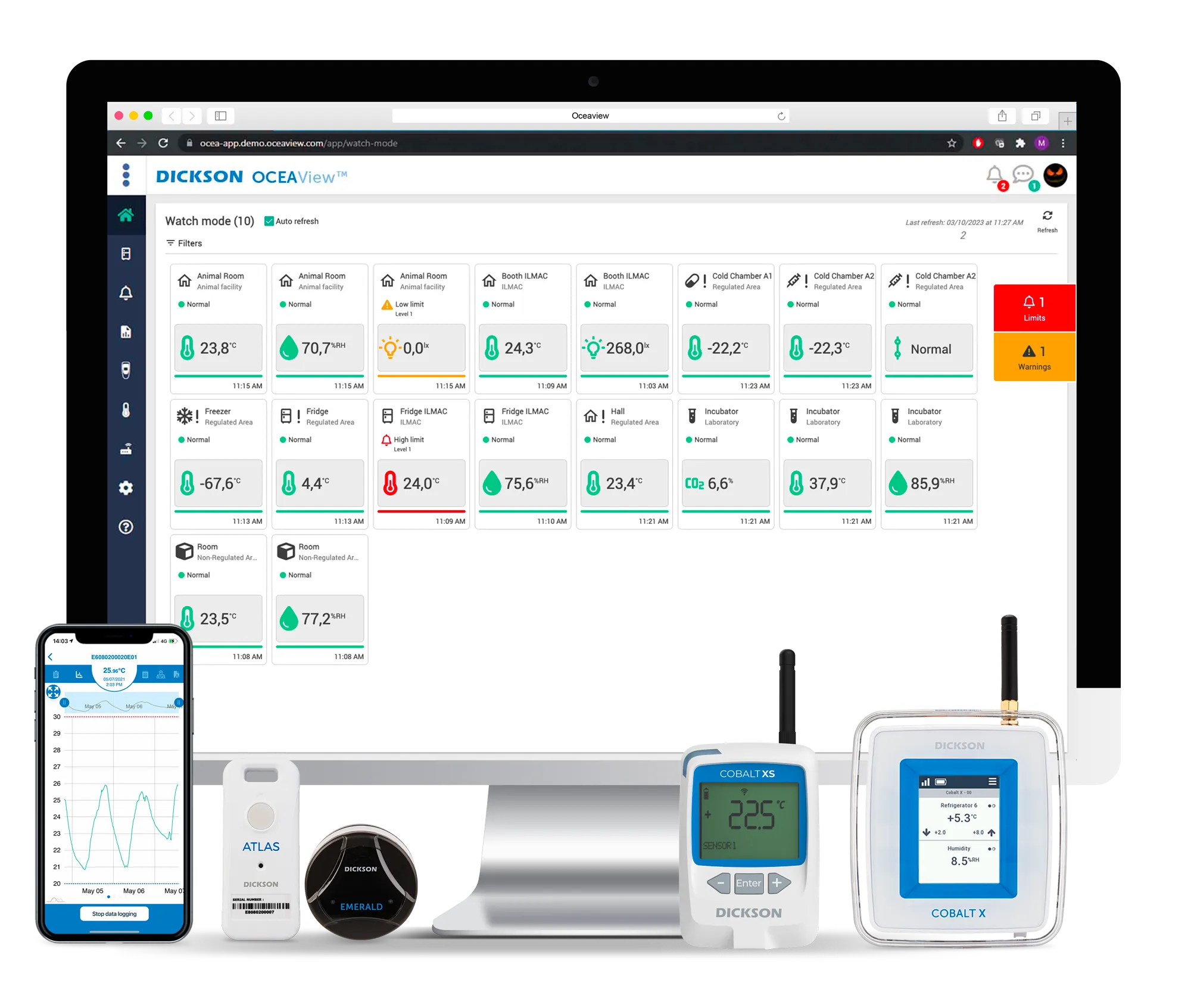
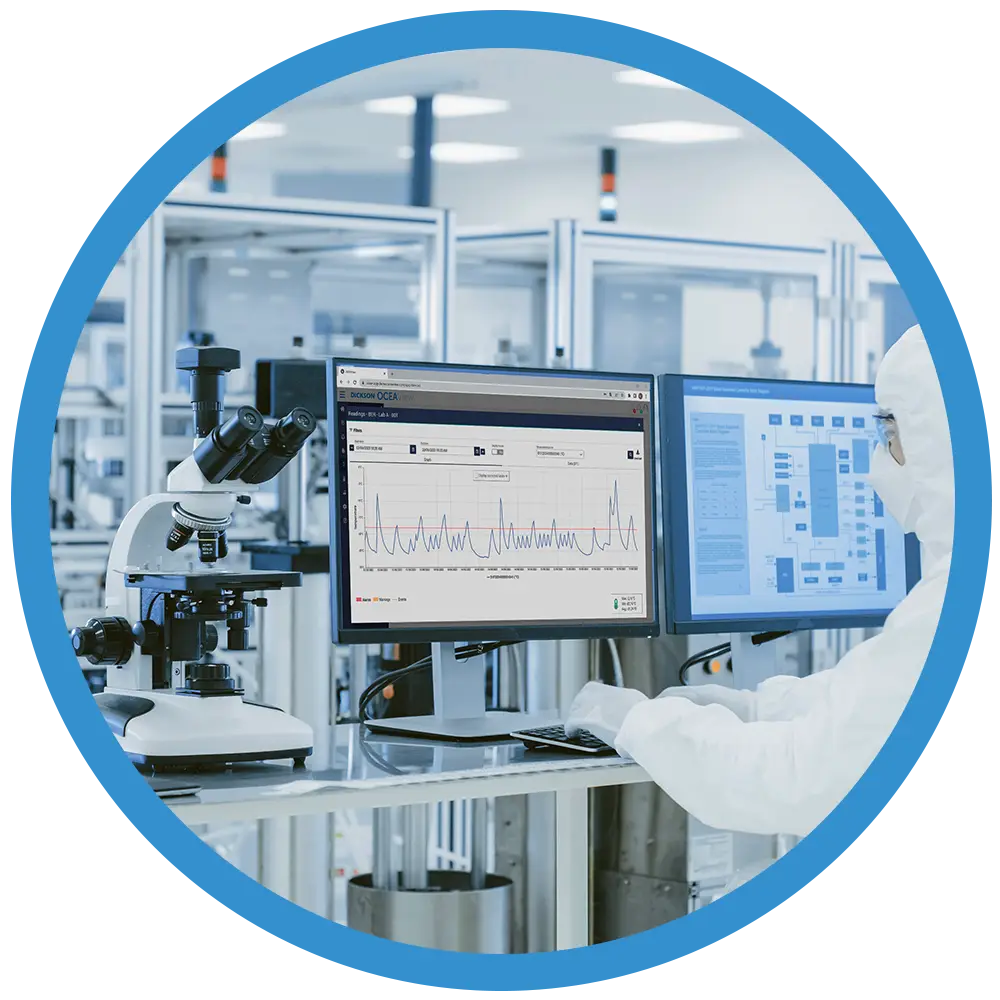
OCEAView is a unified web based monitoring system, IOT based platform and mobile app based on three key pillars: monitoring, traceability, and alerts. Designed for fixed monitoring, mobility, and connectivity, OCEAView integrates a wide range of advanced data loggers and wireless sensors to help you stay on top of your critical environments and monitor your sensitive products continually.
Benefits of OCEAView Web Based Monitoring System
Gain peace of mind by having total control over all your equipment, data, sensors, users, and reports. OCEAView is a complete web based monitoring system, traceability, and alert platform, providing an advanced remote monitoring solution for a wide range of wireless environmental data loggers and sensors.
- Scalable : OCEAView works with a variety of Dickson LoRaWAN temperature and humidity sensors and Bluetooth data loggers and supporting different monitoring needs.
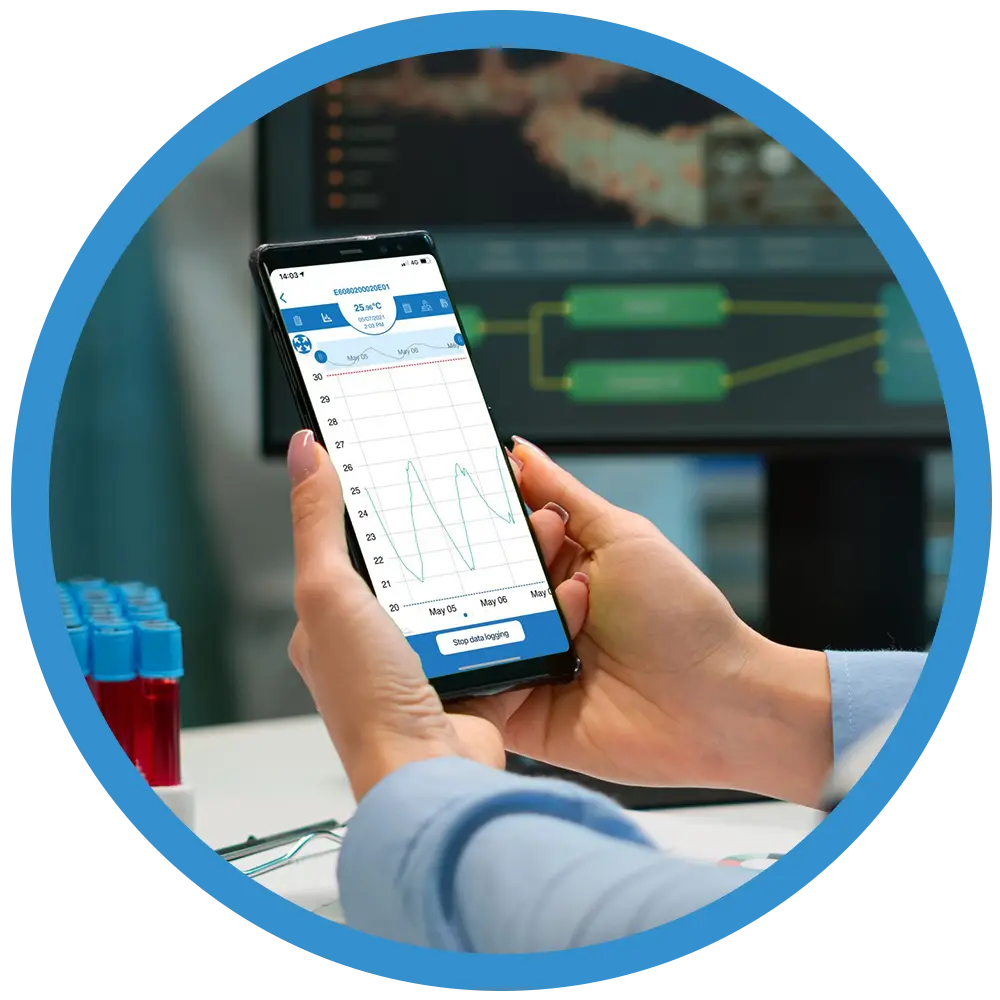
- Convenient : OCEAView offers a complete web based monitoring system, with a mobile companion app for iOS and Android specifically for Bluetooth and LoRaWAN enabled data loggers. Offering identical functionality, Cloud and On-Premises versions of the web application are available to meet your specific requirements.
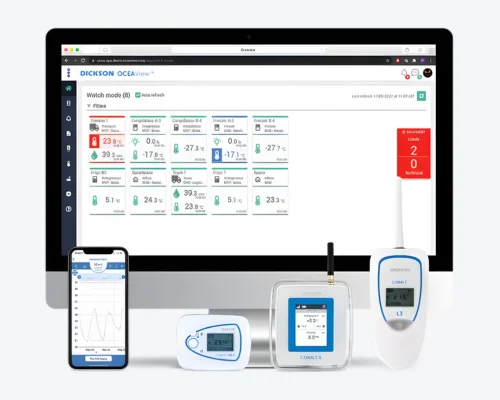
- Enhanced Visibility : OCEAView allows your staff to view readings, graphs, alert status, and also share data with other people via the cloud. OCEAView web based monitoring system and app provides easy access to your data so you can have full visibility and traceability of your cold chain and environmental monitoring process.
- Remote Monitoring : Cloud-based monitoring allows users to view and monitor environmental data remotely, along with all monitored equipment, from anywhere in the world, on any device.
- Optimized Performance : Identify environmental risks, failures, and opportunities for improvement before it’s too late. With OCEAView, you get 24/7 e-mail, voice calls, and SMS/text message alerts for any excursions or technical problems.
Features of OCEAView Web based monitoring system
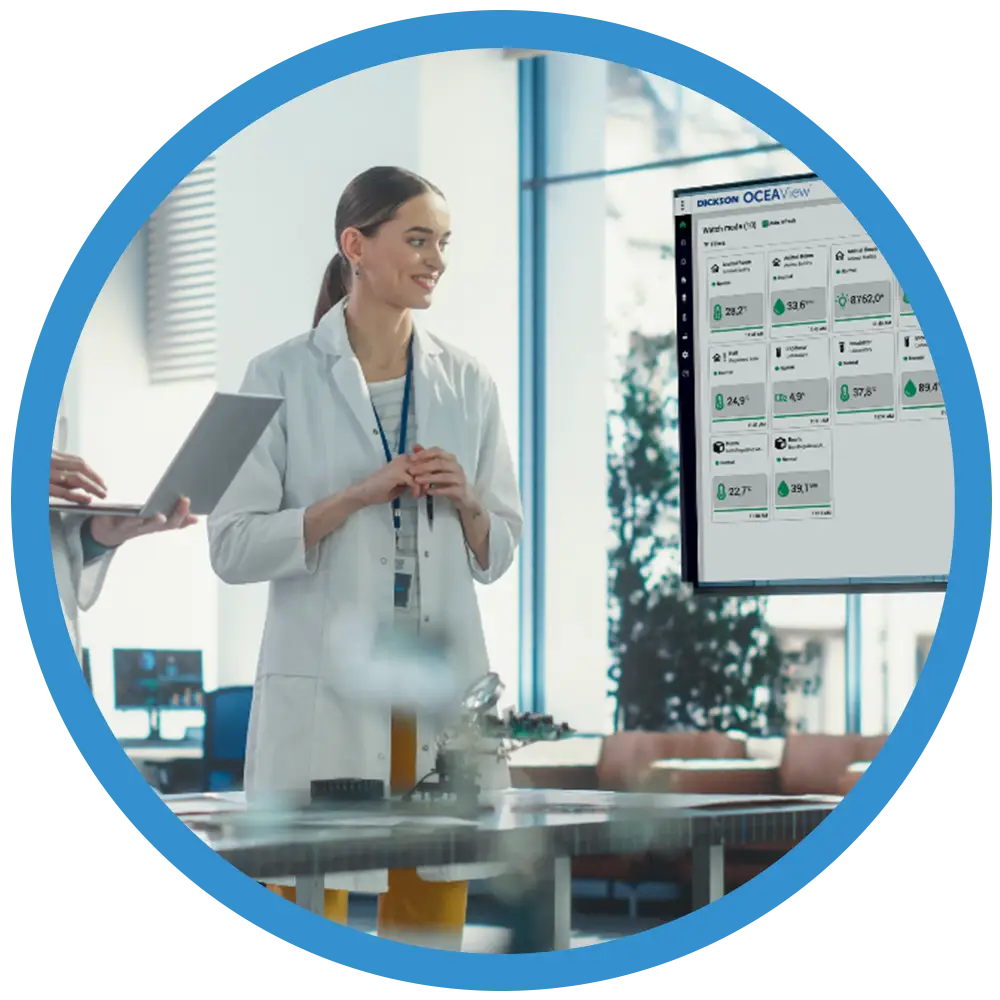
OCEAView web based monitoring system is packed with features to give you intuitive access to all your data and monitored equipment. From storage facilities to production areas and vehicles, monitor the critical parameters in your entire supply chain on-the-go using our robust web and mobile platform.
- Monitoring : Enjoy seamless wireless connectivity with top IoT based technologies for efficient sensor data collection and transfer. Get instant insights through visual dashboards, with cloud or on-premises deployment options.
- Traceability : Secure and auditable system logs capture a complete history of all actions and events. Access downloadable graphs, sensor data, and device info, with automated report scheduling for convenience.
- Alerts : Set programmable ranges with up to three high and low warning levels. Get real-time alerts via email, SMS, or voice calls, including technical alerts for sensors and devices. Supports LoRaWAN sirens and dry contact controllers.
OCEAView Web Based Monitoring System
CobaltView designed for new generation datalogging is a new web application which integrates data with DICKSON Cloud service, enables viewing of sensor data, alerts management and printing reports.
CobaltView uses cloud platform , developed in accordance with FDA 21 CFR part 11 complaint, GMP, GDP guidelines and sends alerts by email, SMS/text messages or voice messages using DICKSONAlert system.
We're Here to Help
Get In Touch With Us
We're here for you! Whether you have inquiries about OCEAVIew web based monitoring system or need assistance, our team is ready to help.

Complete Cold Chain and Temperature Monitoring Solutions
Related Cold Chain Monitoring Products
HEATmarker®
Safe-T-Vue®
FREEZEmarker®
Cobalt X1 & X2
Cobalt Xs
Oceaview
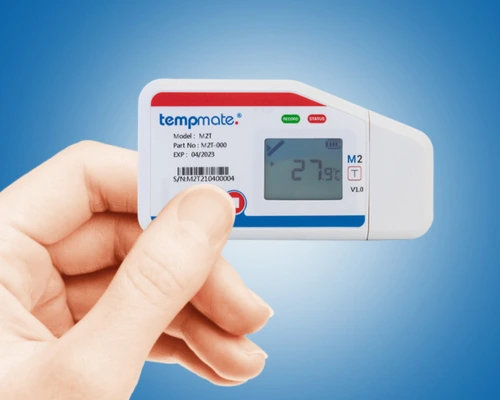
Cobalt XS WIFI
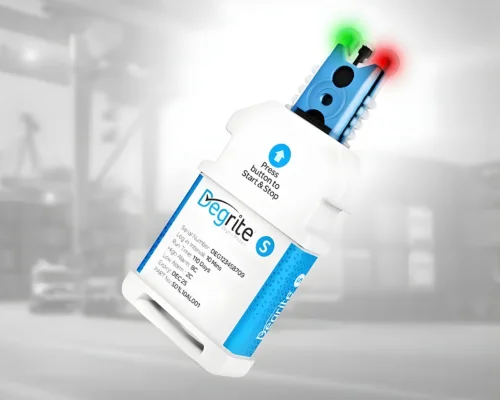
Degrite S
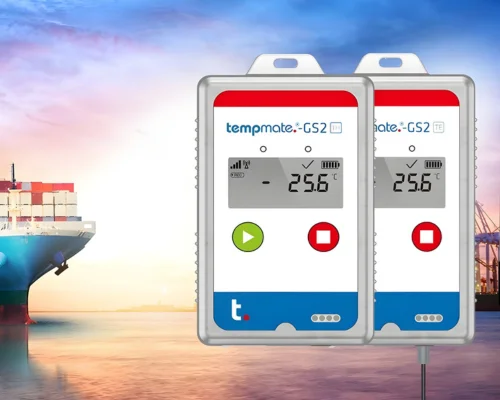
Tempmate® GS2
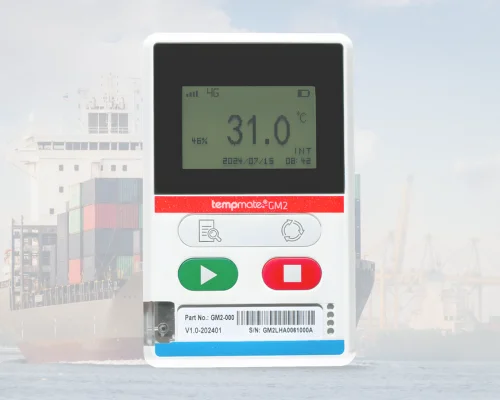
Tempmate® GM2
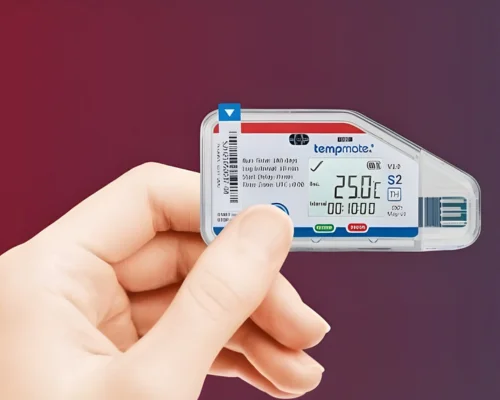
Tempmate®S2
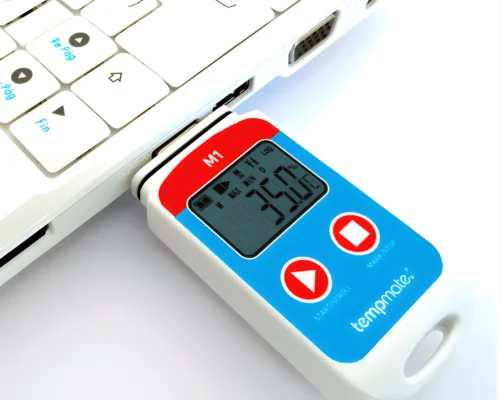
Tempmate®M1
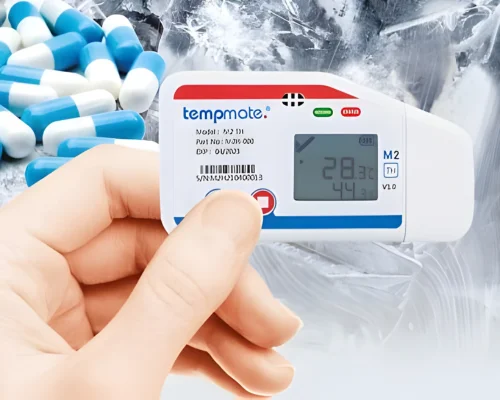
Tempmate®M2
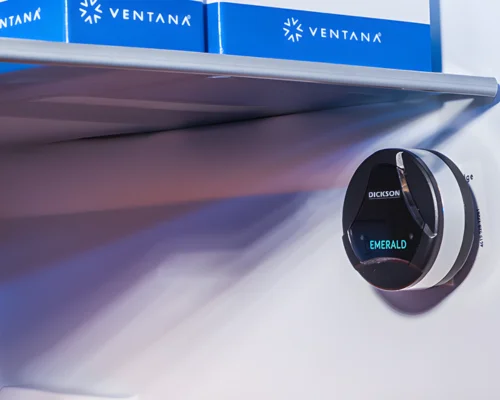
Emerald®
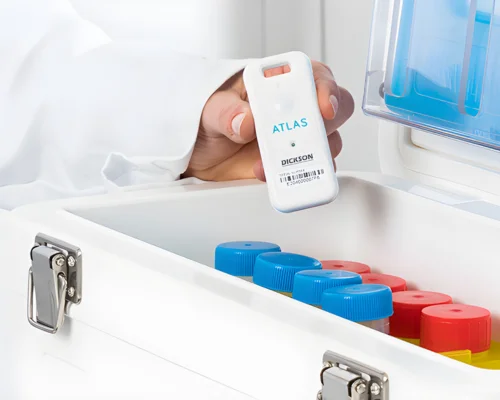
Atlas®
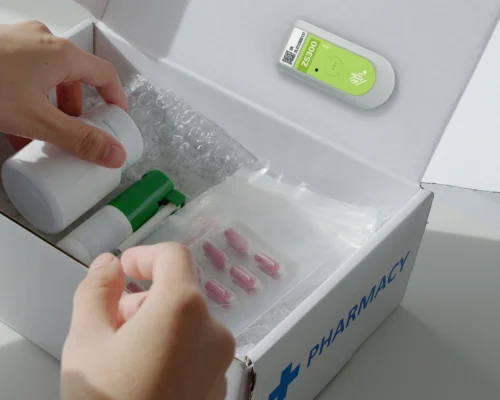
Zebra® ZS300
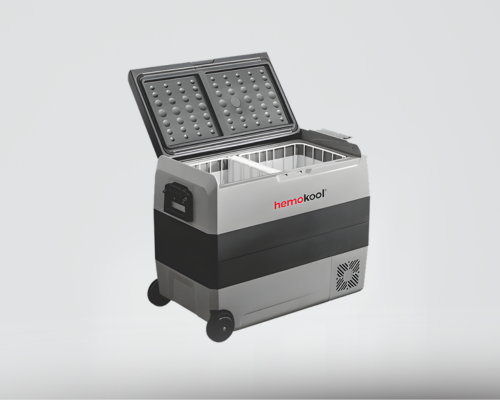
Hemokool® Active Cooling Boxes
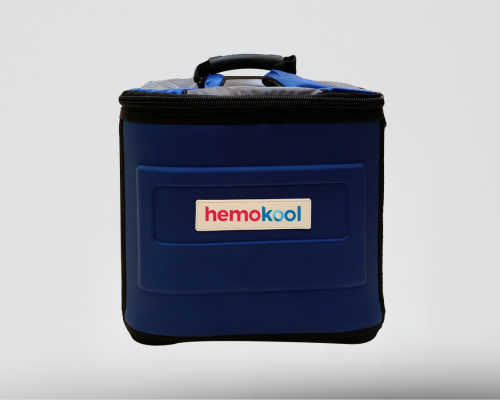
Hemokool® Passive Cooling Boxes
What Our Clients Say About OCEAVIEW Platform
Testimonials
Know More About OCEAVIEW WEB BASED MONITORING System
FAQS- OCEAView Real Time Web Based Monitoring System
How does OCEAView provide real time alerts?
When you start monitoring with a wireless data logger like Cobalt X, you have to set the safe limits in OCEAview. When the data logger starts monitoring and sends live readings through LoRaWAN network continously to OCEAView, the platform compares each readings with the safe limits. If there is a breach, it generates an alarm. OCEAView delivers alerts through the channels you enable in the alarm settings. For computer users, it can send email alerts, and for mobile users, it can send notifications through the OCEAView mobile app; it can also send SMS/text and voice-call alerts if those options are configured.
Can OCEAView be accessed through a mobile device?
Yes, OCEAView can be accessed on a mobile device through the OCEAView Mobile app for iPhone and Android, and it is also available through the web platform on a phone browser. Once you have downloaded the app, Sign in with your OCEAView account or organization login to connect supported loggers and access cloud data in the app.
You can then monitor readings, receive alerts, and export data when needed. The mobile app lets you monitor data in real time, program supported loggers, and export reports. For Cobalt X, the app lets you view the logger, but some setup and programming are handled through the web platform.
Can reports be downloaded from OCEAView?
Yes, OCEAView web based monitoring system supports downloadable reports and data exporting in PDF, CSV and XLSX formats. It also offers downloadable graphs, sensor data, device information, and automated report scheduling. OCEAView reports can be downloaded on both mobile and computer, since the platform supports web and mobile access. These reports can be shared for audits and compliance.
Which data loggers is OCEAView compatible with?
OCEAView web based monitoring platform is compatible with a range of data loggers including Dickson’s Cobalt Series wireless data loggers, bluetooth enabled data logger devices like Emerald and Atlas.
How to set up your data logger in OCEAView?
To set up a data logger in OCEAView, first create your company account and enter the license key in the web application. Then add the logger in OCEAView using its serial number or node ID, assign a name and organization. Then you can set alarm thresholds, reading intervals and sensor options. Sync the logger and confirm that it is connected and showing recent activity. For Cobalt X, you also need to make sure the logger can see the gateway, then connect the sensors and synchronize them in the device menu. Once the logger is added in OCEAView and the sensors appear correctly, start logging and verify that the device shows a recent timestamp.
Does OCEAView retain data during a power outage?
OCEAView web based monitoring system keeps data safe during power outages by storing readings in the logger’s onboard memory first and then syncing them to the platform when power or connectivity returns. That means a temporary outage does not automatically erase the data, and the system is designed to continue traceable monitoring once normal operation resumes
How to set up alerts and notifications in OCEAView?
In OCEAView, you first open the alert or alarm settings, set the temperature or sensor limits you want to monitor, and add the people who should receive the alerts. After that, you choose how each alert should be delivered, such as by email, SMS/text, voice call, or mobile app notification, and then save the settings. If needed, you can also test the alarm to make sure it is working properly. The best alert type depends on how urgent the situation is. Email is useful for routine notifications and keeping records, SMS/text is better when someone needs to be reached quickly and may not be near a computer, voice call is best for urgent breaches that need immediate attention, and mobile app alerts are helpful when you want to monitor and respond from a phone or tablet. In short, OCEAView lets you choose the notification channel from the settings and assign different alert methods based on how serious the breach is.
How are the readings sent to OCEAView in real time?
Cobalt X sends readings to OCEAView web based monitoring system through LoRaWAN wireless connectivity. The logger records data at set intervals, then LoRaWAN temperature and humidity sensors transmit wireless data packets to any active LoRaWAN gateway within range; the gateway forwards those packets to the OCEAView cloud server, where the readings appear in real time.
Is the OCEAView mobile app available on both Android and iOS?
Yes. OCEAView mobile app is available for both iOS and Android smartphones, with all software features identical regardless of the operating system only minor graphical aspects may vary slightly between platforms. The app can be downloaded from the App Store or Google Play.
Where can I find OCEAView user manual?
To get a user manual for the OCEAView web based monitoring system, reach out to our team and discuss your requirements. Our team will get back to you soon.
Does OCEAView provide a complete audit trail?
Yes, OCEAView web based monitoring system provides a comprehensive, regulatory-grade audit trail designed to meet FDA 21 CFR Part 11, GMP, and GDP requirements. OCEAView’s secure and auditable system logs capture a complete history of all actions and events, supporting full traceability across your cold chain and environmental monitoring process. Every sensor reading from the connected Cobalt series data loggers is automatically timestamped and uploaded to OCEAView, creating a continuous, tamper-proof, time-ordered log of environmental conditions. This includes user authentication events such as logins and logouts, parameter adjustments, and alarm events, capturing both the initial generation and acknowledgement of each alarm by an operator. In line with FDA 21 CFR Part 11, previously recorded information cannot be obscured or deleted, ensuring the authenticity and integrity of electronic records over time. All time stamped data can be exported as PDF, CSV, or XLSX reports, making OCEAView audit-ready at any time.
Does OCEAView support multiple alarm levels?
Yes. OCEAView web based monitoring system supports programmable alarm ranges with up to three high and three low warning levels, allowing organisations to set graduated alert thresholds, for example, a pre-alarm warning before a critical breach giving logistics and quality teams time to act before conditions become irreversible. Alerts are delivered in real time via email, SMS, voice call, or mobile app notification, and data loggers can be kept in an alarm state until they are manually acknowledged. In the event of an alarm, the system contacts emergency contacts in sequence until the alarm is acknowledged meaning notifications do not stop after a fixed number but continue to escalate until someone actively acts on them. Acknowledgement can be done directly on the data logger’s touchscreen using a PIN code, or remotely through the OCEAView web or mobile app.
Can OCEAView monitor conditions across multiple locations?
Yes, OCEAView web based monitoring system is a scalable IoT-based platform that works with a variety of Dickson LoRaWAN temperature and humidity sensors and Bluetooth data loggers, allowing organisations to monitor conditions across multiple facilities, cold rooms, vehicles, and storage areas from a single unified dashboard.
What environmental conditions can be monitored and viewed on OCEAView web based monitoring system?
OCEAView web based monitoring system supports monitoring of a wide range of environmental parameters including temperature, humidity, pressure, CO2, current, dry contact, and light depending on the sensors connected to the compatible Dickson data loggers.
ISO 17025 certified in-house lab services
One Stop Solution for technical support and value added services
For more details on range of value added services CLICK HERE or Mails us : service.support@lisalineasia.com

We’re here to help! Contact us
with any inquiries or support needs,
and we’ll respond promptly.
@2026 All rights reserved. Developed by Sigmaflux