

Tempmate® M1 PDF Data Logger
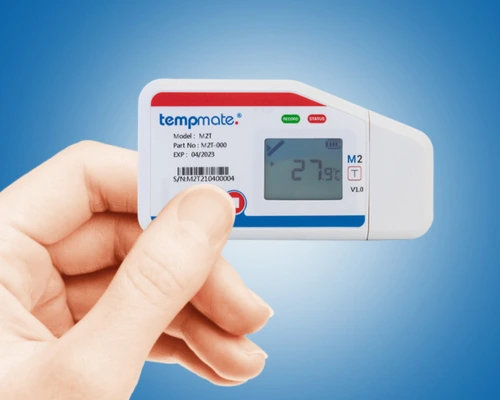
Tempmate M1 is a PDF data logger that delivers hassle-free temperature logging. With simple USB PDF reports and a handy multi-function display. Use the built-in or external sensor, then reuse it on the next shipment for dependable monitoring with this PDF data logger without the extra cost.
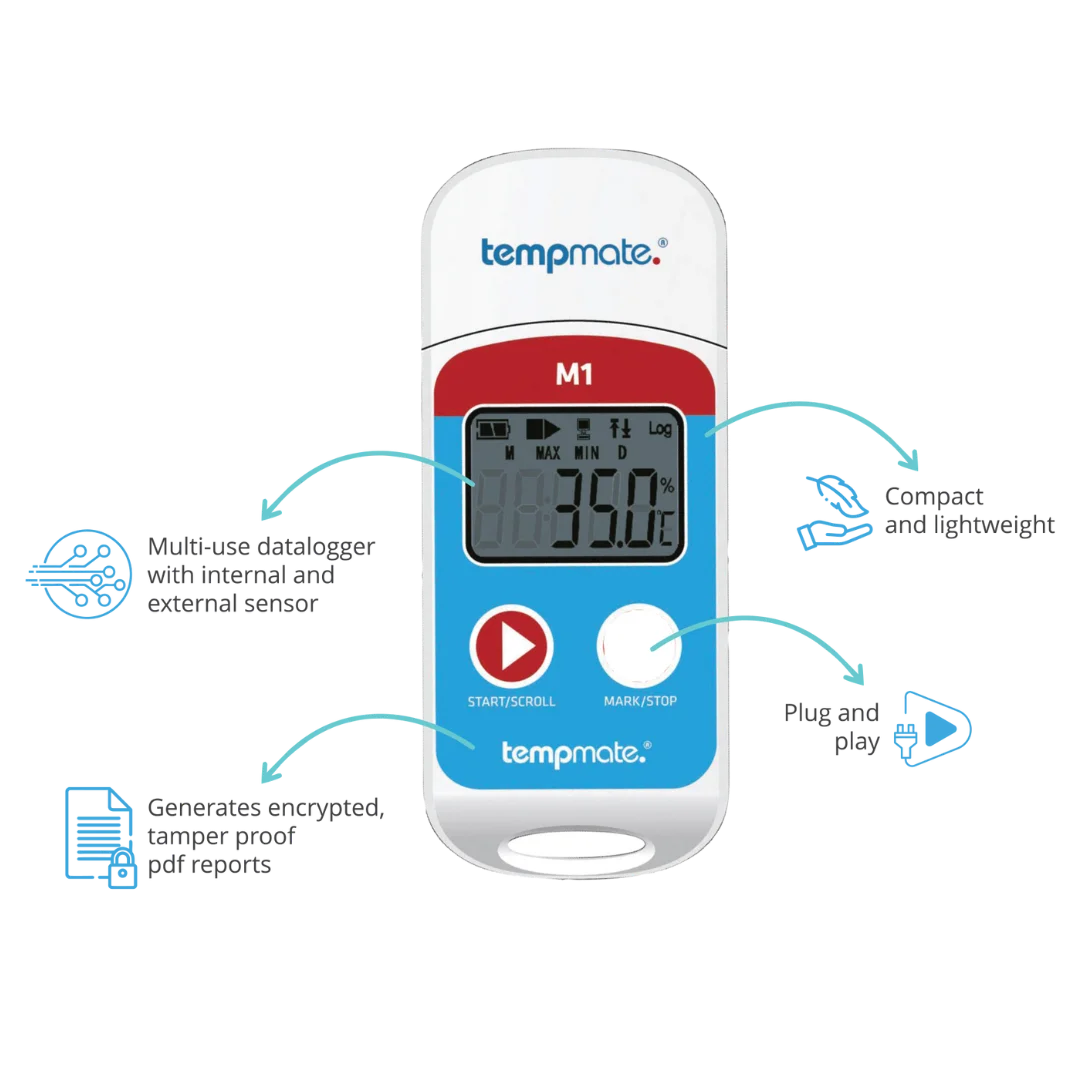
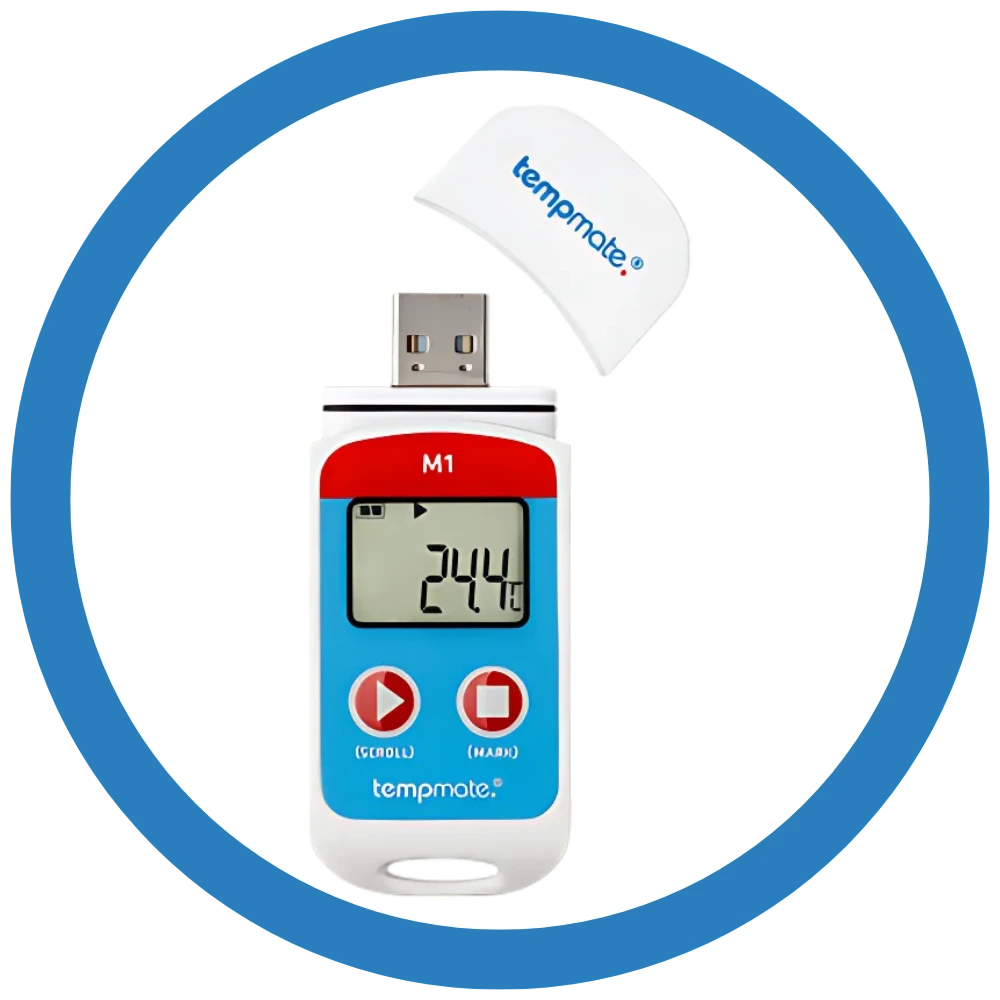
Tempmate®M1 Multiple Use PDF Data logger
Tempmate M1 is a reusable PDF data logger, reprogrammable for multiple uses.
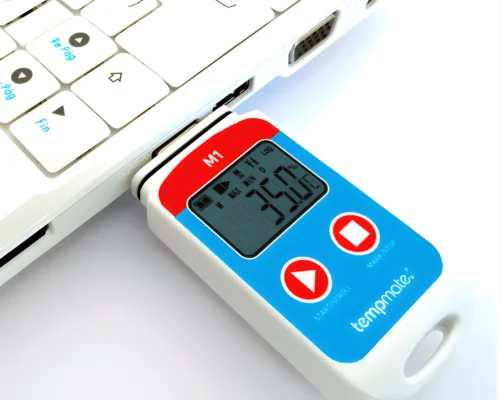
This PDF data logger has both internal and external temperature sensors, multi-function display, and a built-in USB interface for easy PDF downloads without any software needed.
The Temmate M1 PDF Data Logger is easy to use, starts with just a button press, and is compatible to monitor both a stationary element (such as a refrigeration unit) and a cargo in transit. It is economical and can be used for years.
Key Features of Tempmate M1 PDF Data Logger
- Multi-use, reusable and reprogrammable PDF Data Logger.
- PDF Data Logger for shipments can store upto 32000 readings in its internal memory.
- Adjustable intervals of 10 Sec. up to 24 hours.
- Alarm settings are adjustable up to 5 alarm limits.
- Alarm Type – Single Alarm or cumulative.
- Start setting manually by pressing button or automatically programmed start time.
- Free downloadable software – tempbase.®
- Its battery can last 90 days under standard usage.
- This PDF data logger has a built in USB interface that allows easy downloading of PDF reports.
- Accurate PDF data logger that monitors temperature from -20°C to 40°C with an accuracy of ±0.5°C.
- This PDF data logger has an individual 6 point validation certificate.
Technical Specifications

USB Connection
IP 67 Protected
Automatic PDF + CSV Report
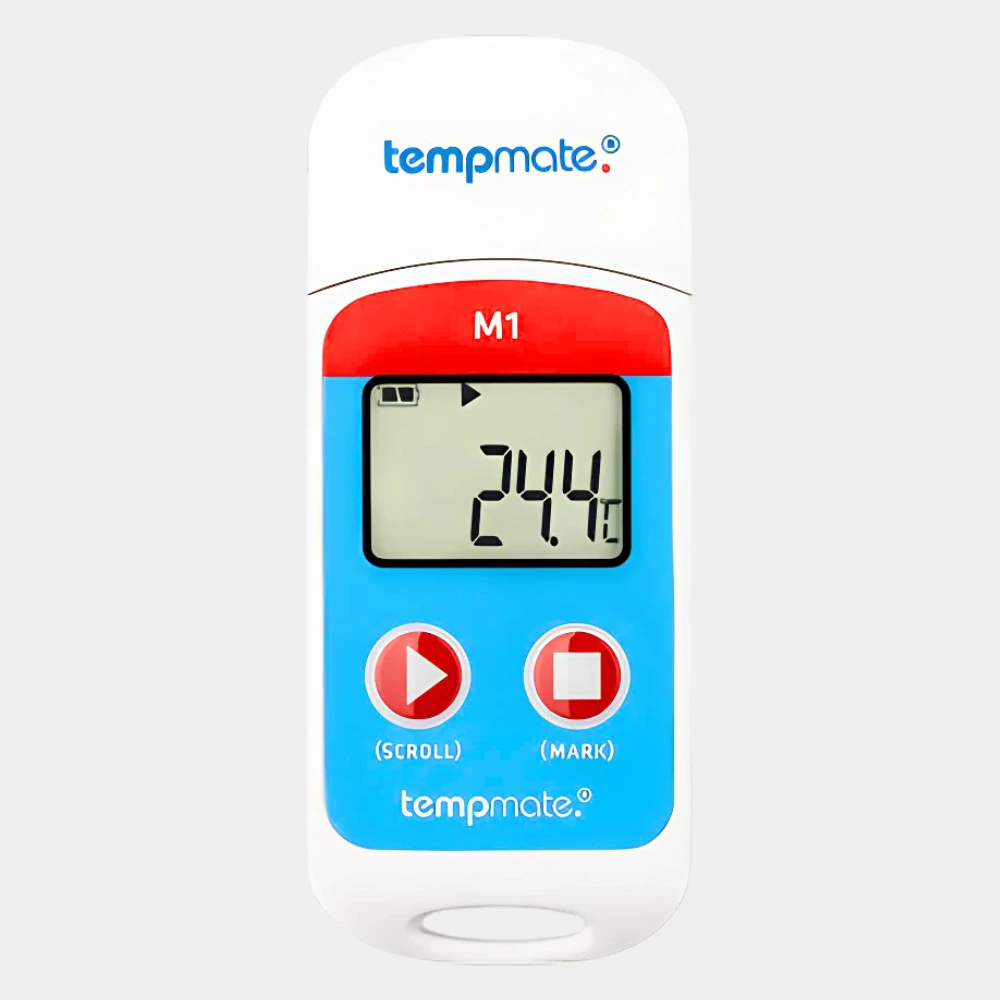
Temperature Range -30°C to +70°C
EN 12830 Compliant
German Quality
How does Tempmate M1 PDF Data Logger work?
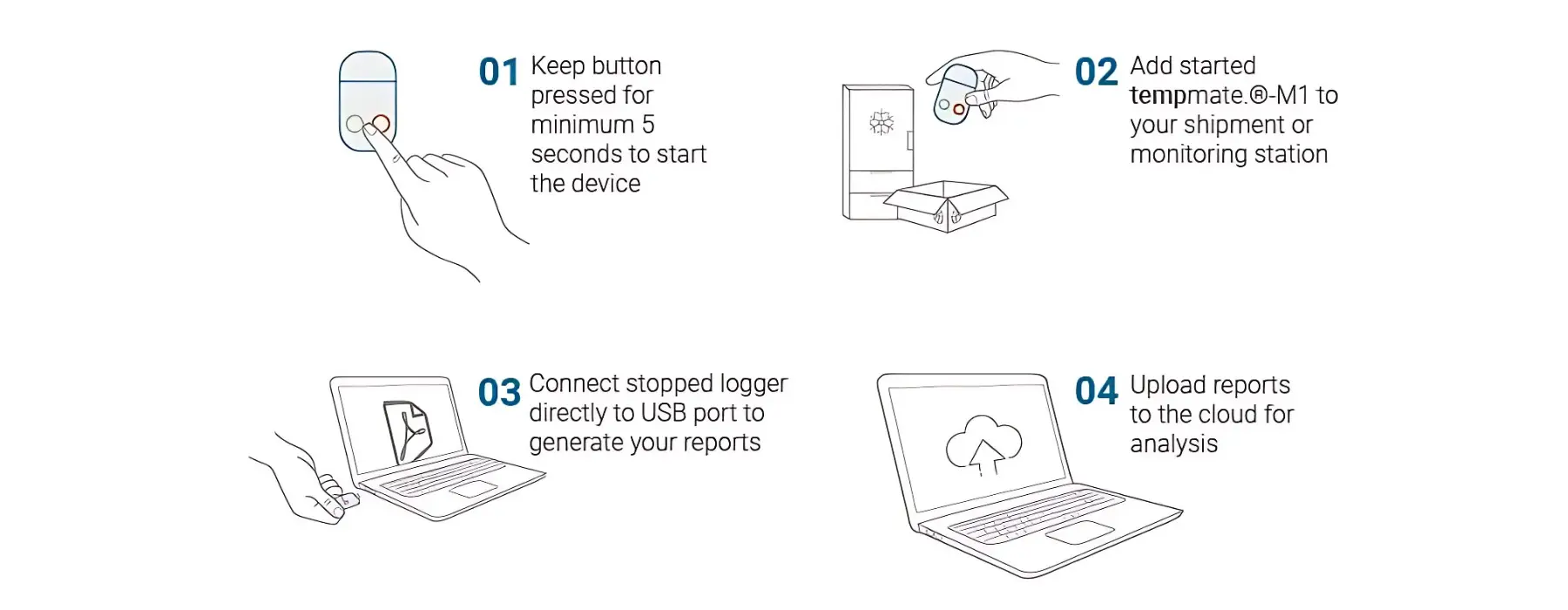
In four simple steps you can operate the Tempmate M1 PDF Data Logger Start your Tempmate M1 PDF data logger, it automatically starts recording temperature, and get a PDF report by connecting the data logger to any device with USB. Then upload the reports to the cloud for analysis.
We're Here to Help
Get In Touch With Us
We're here for you! Whether you have inquiries about Tempmate M1 PDF Data Logger or need assistance, our team is ready to help.
Complete Cold Chain and Temperature Monitoring Solutions
Related Cold Chain Monitoring Products
What Our Clients Say about Tempmate M1 PDF Data Logger
Testimonials
Know More About Our Tempmate M1 PDF Data Logger
FAQs- Tempmate M1 Supplier PDF Data Logger
What is Tempmate M1?
Tempmate M1 is a PDF data logger model. It is a multi-use Tempmate data logger that is reprogrammable. It measures temperature during shipments. The data can be retrieved by connecting to a device with a USB and PDF reports can be easily downloaded without requirement of any software. This PDF data logger has abettery that can last 90 days under standard operating conditions, It can store upto 32000 readings in its internal memory. The data logger is supplied by Lisaline Asia, the official supplier of Tempmate data logger models in India.
How to use Tempmate M1 PDF data logger?
The Tempmate M1 is an easy to use PDf data logger. In four simple steps you can operate the Tempmate M1 USB Temperature Data Logger. Start your Tempmate M1, it automatically starts recording temperature, and get a PDF report by connecting the data logger to any device with USB. Then upload the reports to the cloud for analysis.
Is Tempmate M1 PDF data logger reprogrammable?
Yes, the Tempmate M1 USB temperature data logger is reprogrammable. The PDF data logger’s settings can be changed for multiple uses. This usually includes the measuring interval, start/stop conditions, alarm limits, channel selection, and sometimes sensor type or measurement mode.
What are the benefits of Tempmate M1 PDF data logger?
Tempmate M1 is a compact USB temperature data logger. It is an easy-to-use Tempmate data logger model that can be operated by anyone without technical knowledge or software download. It can be used to monitor both a stationary element (such as a refrigeration unit) and a cargo in transit. The PDF data logger is economical, it is reprogrammable and can be used multiple times for many years with a user-replaceable battery. The data logger features a practical multi-function display that shows the live status of measurements. With a built in USB interface, the data logger allows easy downloading of PDF reports without requirement of any software. These reports provide a time stamped proof helping in compliance and can be sent to the cloud for analysis. The Tempmate M1 PDF data logger also has a reasonably good internal memory and can store upto 32000 readings. Lisaline Asia supplies the Tempmate M1 data logger.
Does Tempmate M1 PDF data logger monitor other environmental conditions too?
No, the Tempmate M1 is solely a temperature data logger and does not monitor other environmental conditions. This PDF data logger has an internal temperature sensor in standard configuration and can also support an external temperature sensor.
Where can I buy Tempmate M1 PDF data logger in India?
You can buy Tempmate M1 PDF data logger in India from Lisaline Asia. Lisaline Asia is the official supplier of Tempmate data logger models. They offer direct manufacturer support, on site calibration, along with other services like validation and testing, after sales support, etc. You can visit their website, reach out their team to discuss your requirements.
Where can i find the Tempmate M1 manual?
You can get the official data sheet and manual for the Tempmate M1 data logger by contacting our team. As an official supplier of Tempmate data loggers, Lisaline Asia offers the official product manual and data sheet from the manufacturer.
How many sensors does Tempmate M1 PDF Data Logger support?
Under standard configurations, the Tempmate M1 PDF data logger supports one internal temperature sensor.It can also be used with an external temperature sensor depending on the use case.
Does Tempmate M1 require software download for PDF downloads?
No, Tempmate M1 does not require any software installation for PDF downloads. It has a built in user interface and can be plugged in to any device with USB post monitoring. This automatically generates PDF reports which can be downloaded directly.
What does the display on Tempmate M1 PDF Data Logger show?
The display on the tempmate M1 is a multifunction LCD that shows the logger’s status and measurement information. In practice, it can show the current temperature reading, battery indicator, and alarm/status information; when an alarm occurs, the display highlights the condition visually.
.
What is the battery life of Tempmate M1 PDF Data Logger?
The battery life of Tempmate M1 PDF data logger is 90 days under standard usage conditions. The PDF data logger device uses a CR2032 button cell that is user replaceable.
What is the service support available for Tempmate M1 PDF Data Logger?
Lisaline Asia offers a comprehensive range of services for the Tempmate M1, including onsite and in-lab calibration services performed in their NABL-accredited, ISO 17025 certified lab, ensuring sensors meet international standards. Their after sales service covers installation and commissioning with IQ/OQ validation, maintenance under warranty, preventive annual maintenance contracts, and onsite repairs. They also conduct ISO 17025 certified thermal mapping services for labs, cold rooms, and warehouses, with formal reports generated through in-house software. Additionally, Lisaline provides box validation and PQS E006 testing for electronic temperature measuring devices in line with WHO requirements.
What is the warranty of Tempmate M1 PDF Data Logger?
Contact our team to know about the warranty of the Tempmate M1 PDF Data Logger directly from the manufacturer. Each data logger comes with a permanently stored validation certificate in PDF format, which informs about the calibration process during production. The validation certificate is valid for 2 years after the production date.
.
What benefits does Tempmate M1 PDF Data Logger offer than the competitors?
The Tempmate M1 stands out as a unique and cost-effective solution due to its unlimited reusability, meaning it can be used for years, unlike single-use loggers that are discarded after one trip. No additional hardware or software is required—simply plug it into a USB port, and a comprehensive PDF report is automatically generated, complete with temperature profiles, statistical values, and individual readings. It also includes a built-in 6-point validation certificate directly from the manufacturer, saving time and ensuring regulatory compliance. Its IP67 waterproof rating, recording intervals ranging from 10 seconds to 11 hours, and support for external sensors make it highly versatile across both stationary and in-transit monitoring applications. It is exempt from IATA’s Dangerous Goods Regulations, making it ideal for air freight logistics, and is fully compliant with GDP and EN12830 standards.
.
What is the shelf life of Tempmate M1 PDF Data Logger?
The Tempmate M1 PDF data logger does not have an expiry date as such. Therefore, it does not have a fixed shelf life. It can be reused for multiple campaigns and its IP65 protection and waterproof design makes it durable for long term.
.
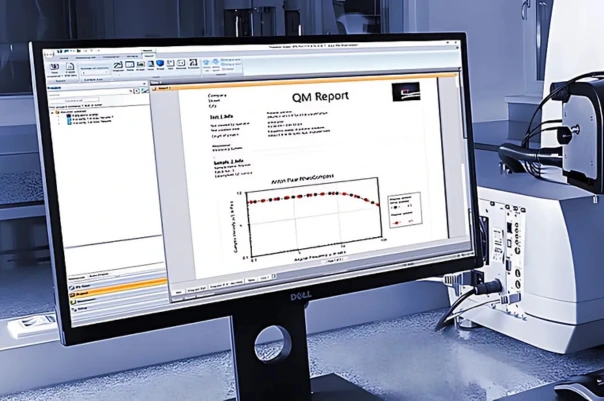
ISO 17025 certified in-house lab services
One Stop Solution for technical support and value added services
For more details on range of value added services CLICK HERE or Mails us : service.support@lisalineasia.com

We’re here to help! Contact us
with any inquiries or support needs,
and we’ll respond promptly.
@2026 All rights reserved. Developed by Sigmaflux